 Metis
Metis Iris
Iris Carpo
Carpo Daeron
 Heimdall
 Roäc
Roäc

Many sessions, one window.
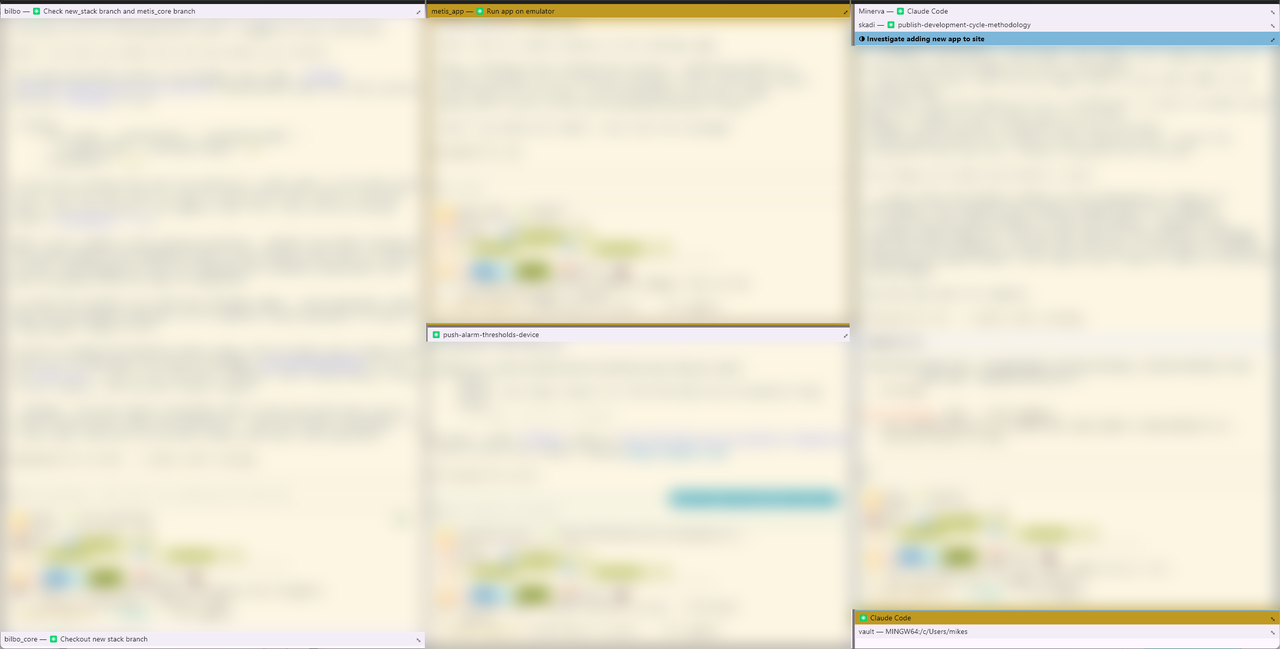
Orthanc is a desktop app for Windows and macOS that holds several embedded terminals in one window. Split them by hotkey into side-by-side panes, each running its own shell, so a handful of Claude Code sessions can be watched and directed together.
To be exact about launch: each pane starts a shell, not claude itself. You type claude in the pane, as you would in any terminal. The shell is chosen per platform by default and can be changed in Settings.
Named for the tower of Orthanc in Gondor — the heart of Isengard, which watched over Middle-earth through a palantír.
Current build:
v1.1.17. Shipping on Windows and macOS; Linux is not supported.
✨ Features
- 🪟 Many sessions in one window — tmux-style split panes arranged by hotkey; the layout is an immutable tree, so splitting, closing and moving focus each return a new one
- 🏷️ Pane titles that follow the program — a pane's bar shows what the running program last announced (Claude Code sets its title via OSC 0) beside its current activity;
bashandzshget a title-on-prompt hook so their panes name themselves too - 📐 Collapse and rename — a pane folds down to its bar alone and restores, and can carry a manual name the running program cannot overwrite
- ⚙️ A configurable startup executable — detected per platform by default, overridable in Settings; the path is validated before it is saved
- 🎨 Terminal appearance — color scheme and font are picked in the same Settings dialog with a live preview, and apply to every open pane on Save
- 🔗 Clickable hyperlinks — OSC 8 links render underlined and open on
Cmd/Ctrl+click, restricted tohttpandhttps - 👁️ A focus you can see — the focused pane carries a dimmed accent border; a pane that finishes a burst of activity while unfocused turns dimmed yellow until it is looked at
- 🪟 A second window —
Cmd+N/Ctrl+Nopens another OS window with its own workspace and pty sessions, sharing the same persisted settings - ⚡ A quake-style drop-down terminal — a dedicated instance that answers
Ctrl+`from anywhere, snapped to the top edge of whichever screen the cursor is on, full width and half height - 📋 Copy and Paste from a right-click menu — reachable by gesture rather than a per-platform shell convention
⌨️ Key bindings
Each platform wears the scheme of the terminal already in use there — iTerm2 on macOS, Windows Terminal on Windows.
| macOS | Windows | |
|---|---|---|
| Split side by side | Cmd+D | Alt+Shift+= |
| Split stacked | Cmd+Shift+D | Alt+Shift+- |
| Move focus | Cmd+Alt+Arrow | Alt+Arrow |
| Close pane | Cmd+W | Ctrl+Shift+W |
| Collapse / expand | Cmd+Shift+Enter | Alt+Shift+Z |
| Open hyperlink | Cmd+click | Ctrl+click |
| New window | Cmd+N | Ctrl+N |
| Toggle quake window | Ctrl+` | Ctrl+` |
Anything not listed reaches the terminal untouched. Ctrl+D is bound on neither platform: it is EOF, and would end a session rather than split one.